Agents that show their work
A Planner proposes the change, you approve it, a Builder carries it out. Every file read, edit and command streams in as it happens.
 Download
Breeze IDE is a lightweight desktop editor where Claude Code, Codex or a local model plan the change, build it, and show every step, right next to your code.
 Claude Code
 Codex
Codex
 Antigravity
 Ollama & LM Studio
Most AI coding happens in a terminal or a chat box you can't see into. Breeze puts the agent in your IDE, so you watch what it reads, what it changes and why.
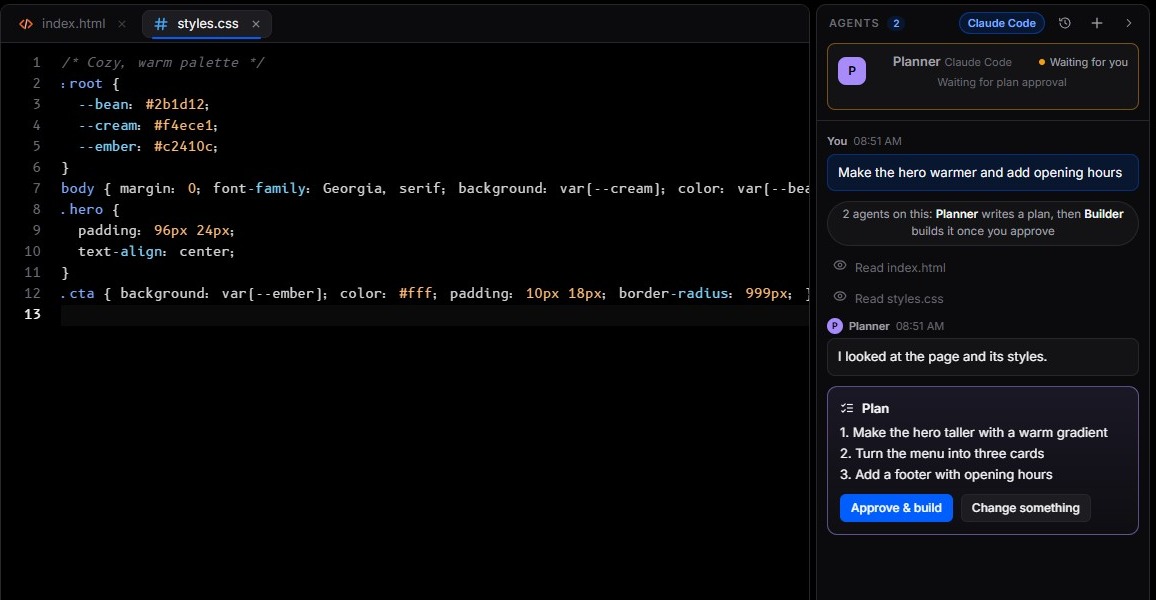
A Planner proposes the change, you approve it, a Builder carries it out. Every file read, edit and command streams in as it happens.
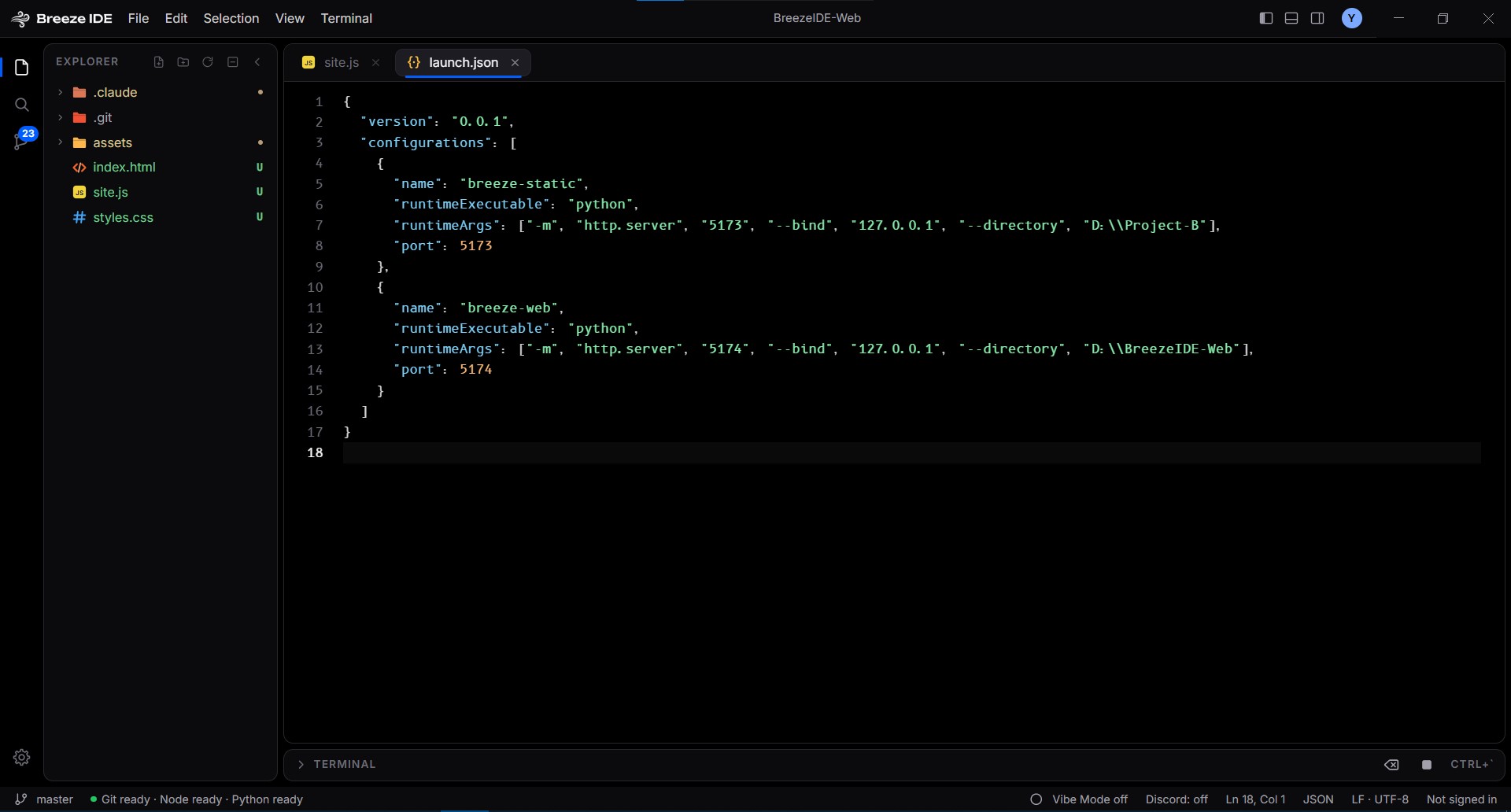
Breeze finds Claude Code, Codex and Antigravity on your computer, or talks to a local model through Ollama, LM Studio or any OpenAI-compatible server.
Your files stay on your machine. API keys are encrypted with the OS keychain, and a local model runs without the cloud.
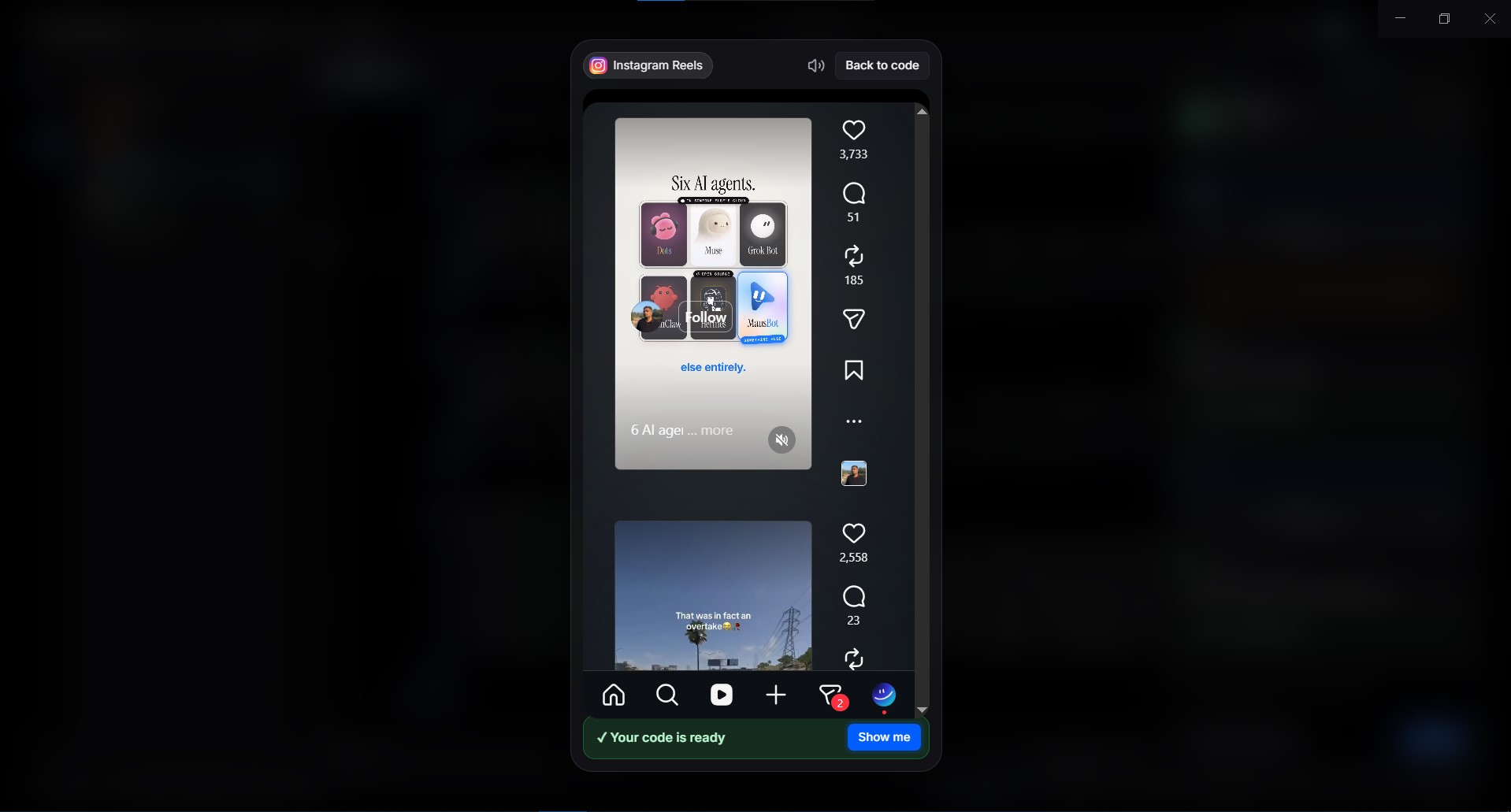
Vibe Mode plays a short-video feed while the agents work and tells you the moment your code is ready.
On first launch Breeze scans your computer for coding agents, Git and Node.js. Pick the agent you already pay for, or paste a key for a local model, and open a folder.
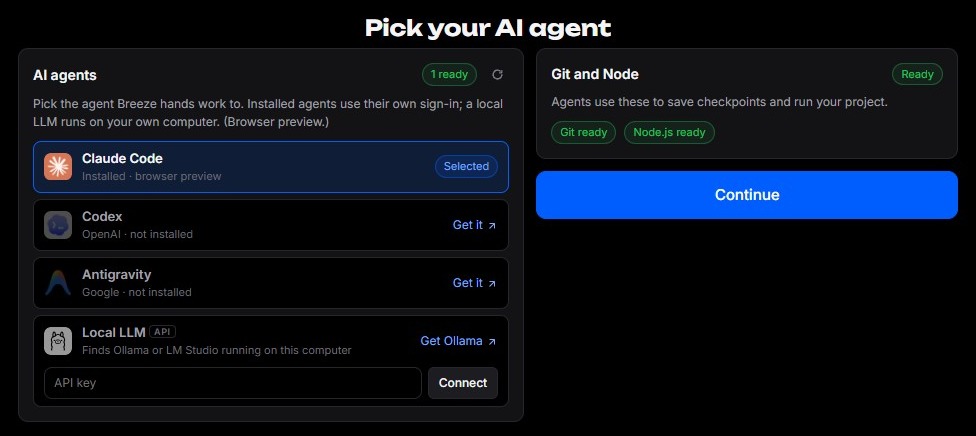
An editor, a terminal, a live preview, Git and AI agents in one quiet window.
Ask in plain words. The Planner reads your project and proposes a numbered plan. Approve it or ask for changes, then the Builder implements it while agent cards show who is working on what.
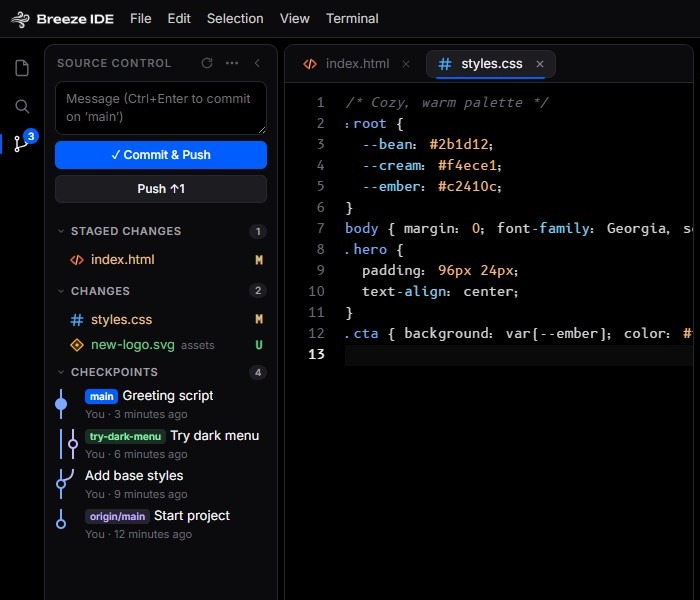
Stage, discard, commit and push from Source Control, with a graph of your checkpoints and branches. Files an agent is editing are marked in the explorer and tabs, so nothing changes behind your back.
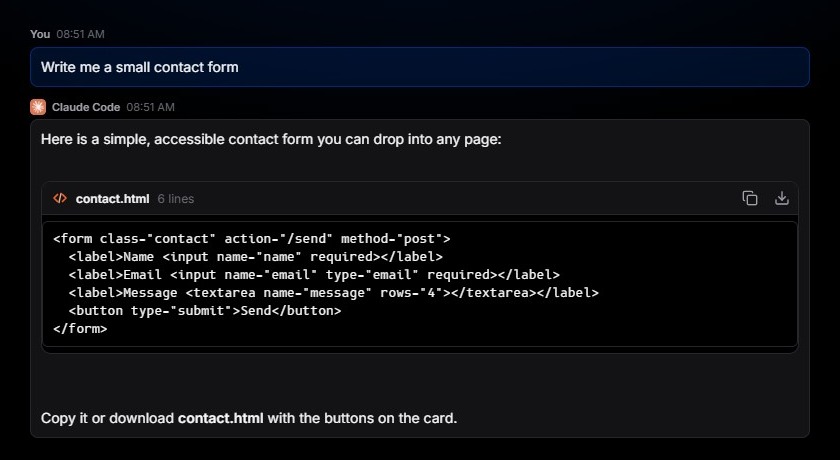
Prefer chatting? Breeze Box is the same agents with no editor. Code in a reply arrives as an artifact card you can copy or download in one click.
While an agent works, the IDE fades and your YouTube Shorts, TikTok, Instagram, Facebook or X feed plays. A notification tells you your code is ready; when to head back is up to you.